How to Transcribe Call Recordings Into Notes Without Installing Software
Turn incident call recordings into usable notes using only your browser. No Whisper setup, no paid service. The workflow sysadmins actually stick to.
Your incident bridge wrapped up forty minutes ago. The recording is sitting in a downloads folder somewhere. The decisions made on that call? Scattered across three people's heads and one engineer's half-finished Slack thread. This is how post-mortems die before they even start. The recording was supposed to be the safety net. Instead, it became an archive nobody opens.
The Core Workflow at a GlanceYou do not need Whisper, Python, or a paid transcription plan to turn a call recording into clean documentation. A browser-based tool handles the conversion without requiring an account or a credit card. You clean the raw text, pull out the decisions and action items, then paste the result directly into your incident tracker or internal wiki. The whole process takes under ten minutes per call.
The Recording Folder That Keeps Growing
Every sysadmin team has one. A shared drive, an S3 bucket, or a local folder filled with files named like incident_bridge_2024-08-14.mp3. Files keep appearing after every major incident, every architecture review, every post-mortem call. The folder grows. The notes do not.
The problem is not that teams do not care about documentation. The problem is friction. Turning a forty-minute recording into structured notes feels like a project on its own. By the time the call ends, there are other fires to fight. The recording becomes a time capsule nobody opens.
This creates a real operational gap. Decisions made on incident bridges often drive runbook changes, config updates, and ownership assignments. When those decisions are never documented, the same incidents repeat. The same debates happen on the next bridge call, six weeks later, from scratch.
Why the Standard Options Do Not Fit the Job
Ask any sysadmin team about transcription and you will hear the same blockers. Setting up a local speech recognition model requires a working Python environment, a pile of dependencies, and often a GPU. That is a meaningful time investment for something that should be a utility task you reach for without thinking.
Paid transcription services solve the setup problem but create different ones: recurring costs, account management, and real questions about where your incident audio ends up. If your bridge calls include sensitive infrastructure details, routing them through a third-party billing platform you signed up for in five minutes is a questionable call.
Neither option fits the way sysadmins actually work. You need a tool available immediately, right after a call ends, without setup overhead and without a credit card prompt waiting for you.
Browser-based transcription cuts through all of that. There is nothing to install. There is no subscription. You get raw text from your audio file and move on.
The Browser Workflow That Actually Gets Used
This workflow handles MP3, M4A, WAV, and most common formats. It also handles video files if your bridge or architecture review was recorded as a screen-share with audio included.
Grab the recording from wherever it landed: your Zoom downloads folder, a Google Drive auto-save, an S3 bucket path. Get the file accessible locally.
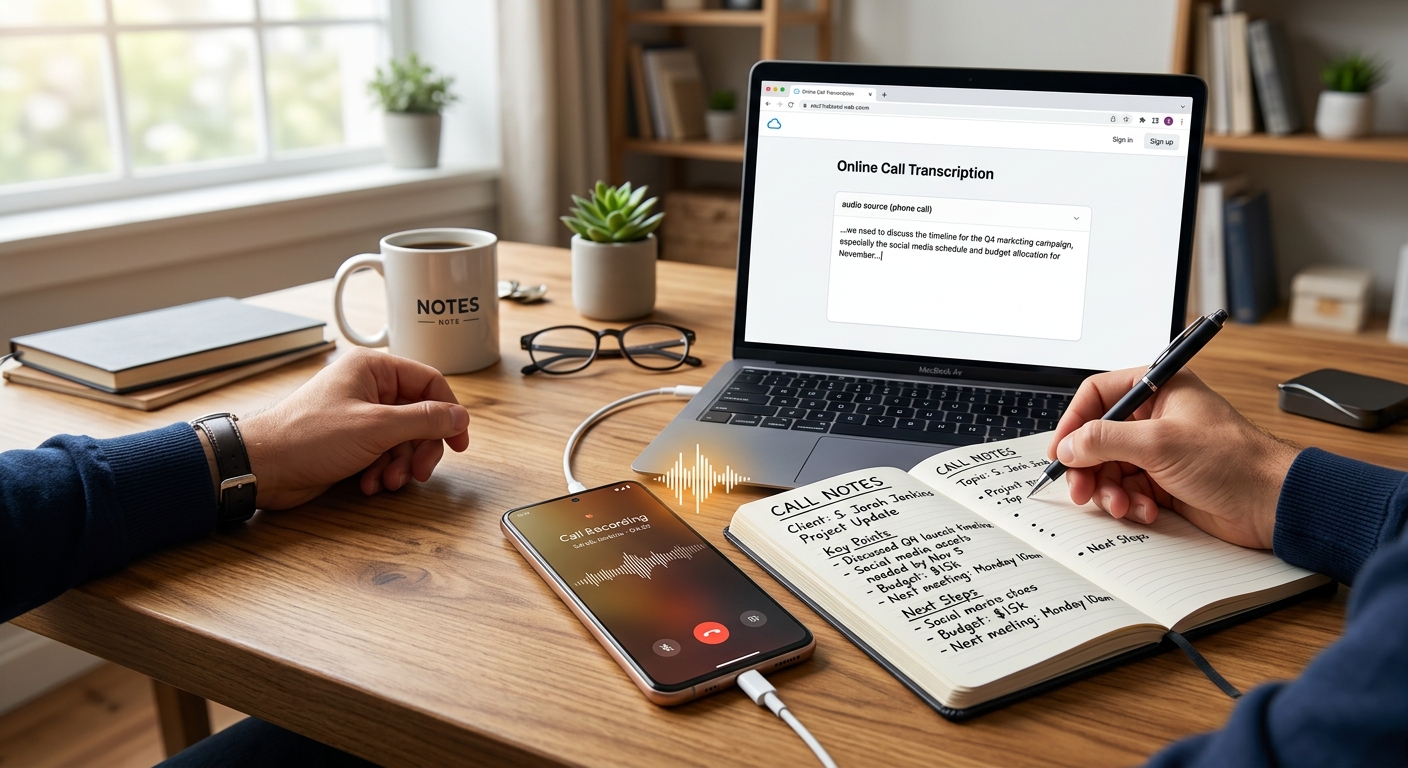
Open your browser and drop the file into an audio to text converter. Depending on length, the tool returns raw transcript text in the same window. No account required. No waiting for a confirmation email. Copy that raw text. That is your working material.
Expect imperfections. Speaker labels are often missing. Filler words show up. Technical terms get garbled in ways that range from amusing to confusing. That is completely normal. You are not producing a verbatim legal record. You are extracting decisions and action items from raw material, and context carries most of the weight.
Cleaning Raw Transcripts Into Documentation That Holds Up
Raw transcripts are noisy. The good news is that you do not need to clean the whole thing. You only need to extract what matters.
Open a plain text editor or a new page in your wiki. Read through the transcript and pull out three categories: decisions made, action items assigned, and open questions still needing resolution. Anything outside those three buckets can stay in the raw file as background reference if anyone ever needs it.
For technical terms the transcription garbled, context almost always makes the meaning clear. If Kubernetes appeared as something phonetically creative, you will recognize it because you were on the call. That mental correction takes seconds.
What to Fix and What to Skip
Filler words, crosstalk, and incomplete sentences can all be ignored. You are producing a document that captures intent, not a verbatim transcript. If someone said "yeah we should probably rotate those creds at some point before the next sprint," the note becomes: "Rotate credentials before next sprint. Owner: [name]." That is the complete output for that exchange.
Add speaker attribution manually where it matters. Decisions and action items need owners. Side commentary, status updates everyone already knows, and repeated clarifications do not need to follow anyone anywhere.
Transcription Options for Different Team Setups
Browser Tool vs. Local Model vs. Paid Service
| Approach | Setup Required | Cost | Best Fit |
|---|---|---|---|
| Browser-based converter | None | Free | Teams that need a zero-friction option for occasional transcription without setup |
| OpenAI Whisper (local install) | Python, dependencies, CLI knowledge | Free, but setup time is real | High-volume teams processing calls offline with strict privacy constraints |
| Paid transcription service | Account creation, billing setup | Ongoing subscription or per-minute fees | Enterprise teams with compliance documentation requirements and a dedicated budget |
| Manual typing | None | Only your time | Very short clips where precision matters more than speed |
Getting the Notes Into Your Tracker or Wiki
The cleaned notes need a home. Where that is depends on your team's setup, but the goal stays the same everywhere: the information must be findable by someone who was not on the call, three months from now.
For incident documentation, the right place is usually your incident tracker. That might be PagerDuty's postmortem module, a Jira ticket, a GitHub issue, or a Confluence page. The format does not need to be elaborate. A few fields carry most of the weight:
- Incident summary: one or two sentences on what happened and when it started
- Decisions made: pulled directly from your cleaned transcript pass
- Action items: named owners and any deadlines discussed on the call
- Open questions: items flagged for follow-up but not resolved during the call itself
- Recording reference: a file path or link to the original audio for anyone who needs the full context later
For architecture discussions, a wiki page works better than a ticket. The structure is less formal, and what matters most is capturing the reasoning behind a decision, not just the outcome. Future engineers reading the page should understand why a choice was made. That context disappears fast when it only lives in someone's memory.
Structured post-mortem records are a core component of incident handling standards that mature engineering teams build their operations around. Getting your call recordings into usable notes is a direct investment in closing that loop consistently.
From Audio File to Living Documentation
The biggest obstacle to consistent transcription is not the tooling. It is deciding when to do it. If you wait until the next morning, it will not happen. Context fades fast and other work fills every available gap.
Treat transcription as part of the call closeout process, not as a separate task that lives on a to-do list. Right after the bridge ends, while people are still in the thread and the details are fresh, upload the file, grab the text, extract the notes, and paste them into the tracker. That is the full process.
This does not have to fall on the same person every time. It works well as a rotating responsibility. Whoever owns post-mortem documentation that week handles the transcript. With a browser-based converter doing the heavy lifting, the actual processing step takes less time than writing the incident summary email.
Teams that transcribe consistently improve at a measurably different rate. They stop re-litigating the same architectural debates because someone can look back and confirm what was decided. Runbooks get updated because the decision to update them was written down. The feedback loop closes instead of staying permanently open.
The recording in the folder stops being a time capsule. It becomes a source you can actually cite the next time someone asks, "wait, what did we decide on that?"