How to Trace a JSON Parse Error to the Exact Character
Read the parser’s offset, preserve the original text, and inspect a small window around it; then convert the index using the parser’s own character-counting.
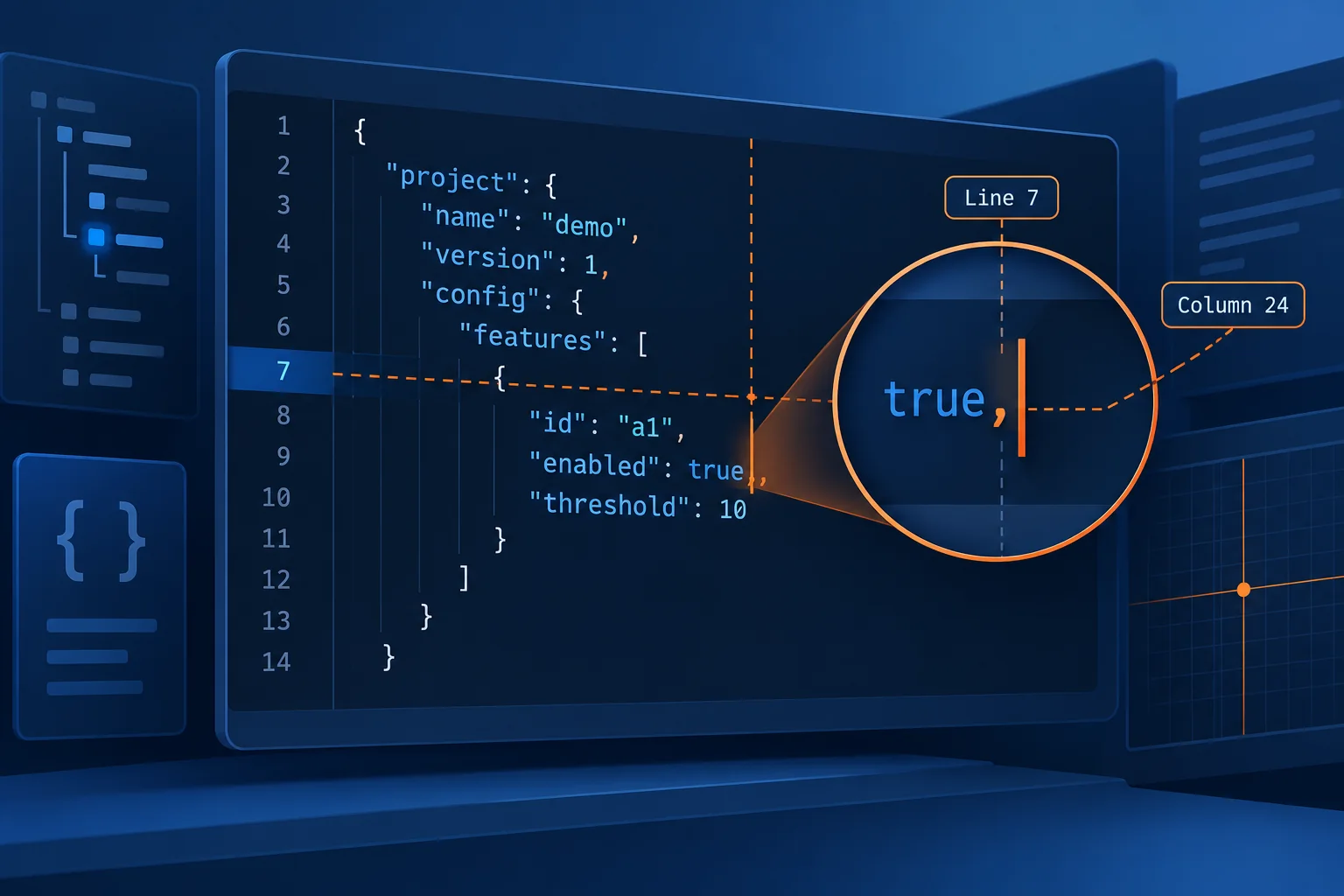
Read the parser’s offset, preserve the original text, and inspect a small window around it; then convert the index using the parser’s own character-counting rules.
Start with the parser’s location, not the apparent mistake
A JSON parser usually reports where it became impossible to continue, which is not always where the defect began. A missing quote may be reported at the next comma, a missing comma at the next property name, and a truncated response at the end of the document. Treat the reported position as the center of the investigation, then scan backward through the current value and the preceding delimiter.
Preserve the exact input before formatting or editing it. Reformatting invalid JSON can fail, alter whitespace, normalize line endings, or move the error. First run the original text through a JSON validator; after it parses successfully, a JSON formatter can make structural inspection easier.
Record all location information the parser supplies:
- The error message, such as “expecting value” or “unexpected token.”
- The zero-based absolute offset, if available.
- The line and column, noting whether the column is one-based.
- The original encoding and whether the offset counts bytes, Unicode code points, or UTF-16 code units.
Python’s JSONDecodeError, for example, exposes pos, lineno, and colno; its documentation defines pos as the starting index in the source document where decoding failed. See the Python JSON decoder documentation.
A reproducible error at character 63
Save or copy this invalid JSON exactly, including its line breaks:
{
  "user": "Ana",
  "roles": ["editor", "admin"],
  "active": tru,
  "note": "Launch 🚀"
}
The value tru is invalid because JSON’s literal names are exactly lowercase true, false, and null, as specified by RFC 8259, Section 3. Reproduce the location with Python:
import json

document = '''{
  "user": "Ana",
  "roles": ["editor", "admin"],
  "active": tru,
  "note": "Launch 🚀"
}'''

try:
    json.loads(document)
except json.JSONDecodeError as error:
    print(error)
    print(error.pos, error.lineno, error.colno)
    print(repr(document[error.pos:error.pos + 8]))
The output is:
Expecting value: line 4 column 13 (char 63)
63 4 13
'tru,\n  "'
Confirm the location manually
pos is zero-based, so character 63 is the sixty-fourth indexed character. Line 4, column 13 is one-based: the first two columns are spaces, columns 3 through 10 contain "active", column 11 is the colon, column 12 is a space, and column 13 is the t where a valid JSON value was expected.
The minimal correction is:
{
  "user": "Ana",
  "roles": ["editor", "admin"],
  "active": true,
  "note": "Launch 🚀"
}
Verify the repair instead of relying on visual inspection:
- Parse the corrected text with the same parser and options used by the application.
- Assert that the result contains a Boolean:
assert json.loads(corrected)["active"] is True. - Validate the corrected document independently with a standards-based validator.
- If an expected payload is available, use a JSON diff to detect accidental changes outside the repaired token.
- Run schema or application validation separately. Successful parsing proves syntactic validity, not that required fields, types, or business rules are correct.
Translate offsets without losing the exact character
An absolute offset can be converted to a line and column by taking the text before the offset, counting its line breaks, and measuring the portion after the last line break. Use the same text representation and counting unit as the parser. Also preserve original line endings: converting CRLF to LF changes absolute offsets even when displayed line numbers remain the same.
def location(text, offset):
    before = text[:offset]
    line = before.count("\n") + 1
    column = len(before.rsplit("\n", 1)[-1]) + 1
    return line, column
This Python helper is appropriate when both the parser’s offset and text use Python string indexes. It should not be applied blindly to an offset produced by a byte-oriented service or a JavaScript runtime.
For compact inspection, print a bounded window rather than the entire payload:
start = max(0, error.pos - 30)
end = min(len(document), error.pos + 30)
print(repr(document[start:end]))
print(" " * (error.pos - start) + "^")
repr makes tabs, newlines, backslashes, and control characters visible. If the context includes confidential values, perform this inspection only in an approved local environment and redact before copying it elsewhere.
Understand UTF-16, code-point, and byte offsets
“Character 22” is ambiguous. A Unicode code point, a UTF-16 code unit, and a UTF-8 byte are different counting units. ECMAScript strings are indexed as sequences of 16-bit code units, according to the ECMAScript String specification. A supplementary character such as 🚀 therefore occupies two JavaScript string positions, although a user perceives one symbol and Python normally indexes it as one code point.
Consider this one-line input:
{"icon":"🚀","active":tru}The t in tru begins at zero-based code-point offset 21, UTF-16 code-unit offset 22, and UTF-8 byte offset 24. Slicing a JavaScript string at byte offset 24 would point too far ahead; treating its UTF-16 offset as a Python string index would be one position late. Node’s documentation similarly warns that Buffer.byteLength(value, "utf8") is not the same measurement as JavaScript String.length; see Buffer.byteLength.
Determine the unit at the boundary where the error originated. HTTP servers and streaming decoders may report byte offsets before decoding. Browser and Node code often works in UTF-16 indexes. Python errors over a decoded str use string indexes. If documentation is unclear, test the parser with a short payload containing one emoji before a deliberate error and compare the reported offset with all three counts.
Networked JSON is required to use UTF-8 in interoperable exchanges, and senders must not add a byte-order mark, under RFC 8259, Section 8.1. Diagnose malformed bytes during decoding rather than silently replacing them, because replacement characters can hide the original byte location.
Recognize realistic failure modes
- Trailing commas:
{"a":1,}and[1,2,]are common outputs from hand-edited configuration files, but JSON grammar permits commas only between members or values. - JavaScript syntax mistaken for JSON: single-quoted strings, comments, unquoted keys,
undefined, and hexadecimal numbers may work in some source-code contexts but are not standard JSON. - Truncated or mixed responses: a timeout can leave an unfinished string or array, while a proxy or application error may prepend HTML to an otherwise expected JSON response. Inspect the response status, content type, byte length, and first non-whitespace character.
- Incorrect escaping: an unescaped quotation mark terminates a string early, and a lone backslash near the end can make the parser report an error later than the actual defect.
- Offset-unit mismatch: non-ASCII text before the failure causes byte, UTF-16, and code-point positions to diverge. This often appears only with names, emoji, or multilingual production data.
For a broader API-focused workflow, including checking status codes and response bodies before parsing, see how to debug JSON API data.
Protect production payloads while debugging
Do not paste an unreviewed production request or response into a public validator, issue tracker, chat, or prompt. JSON bodies can contain passwords, access tokens, session identifiers, payment data, health information, email addresses, and internal infrastructure details. OWASP advises removing, masking, hashing, or encrypting sensitive data rather than recording it directly in logs; its exclusions include access tokens, passwords, session identifiers, encryption keys, and sensitive personal data. See the OWASP logging guidance.
Locate the error inside the controlled production environment first. Log the parser type, error category, line, column, offset unit, payload length, endpoint class, and an approved correlation identifier—not the full body. If context is essential, extract the smallest useful window and replace values before exporting it. Remember that redaction can change offsets: retain an access-controlled original for local diagnosis, and clearly label any sanitized copy whose positions no longer match.
Prefer a synthetic reproduction that preserves the same delimiters, escapes, line endings, and Unicode pattern. Restrict access to diagnostic artifacts, transmit them only through approved channels, and apply the organization’s retention and deletion rules. Never use eval to investigate JSON; RFC 8259 identifies evaluation of data as an unacceptable security risk. Use a JSON parser with input-size and nesting limits appropriate to the service.